
For most small businesses, the right answer is a mix: off-the-shelf business computers work well for everyday office tasks like email, documents, and web apps, while a custom-built PC makes sense when a role depends on heavy, specific workloads such as CAD, video editing, 3D rendering, large spreadsheets and databases, or software development. The deciding question is not which option is “better” in general, but whether a standard machine will slow that person down or force a replacement long before you planned.
If you run a business in Irvine, Anaheim, Santa Ana, Costa Mesa, or anywhere else in Orange County and you are trying to decide how to equip your team, this guide walks through the trade-offs in plain English.
What Is a Custom PC Build for a Business?
A custom PC build is a computer assembled from components chosen for a specific job. Instead of picking from a short list of pre-configured models, you start with the work the machine needs to do and select the processor, graphics card, memory, storage, power supply, and cooling around it.
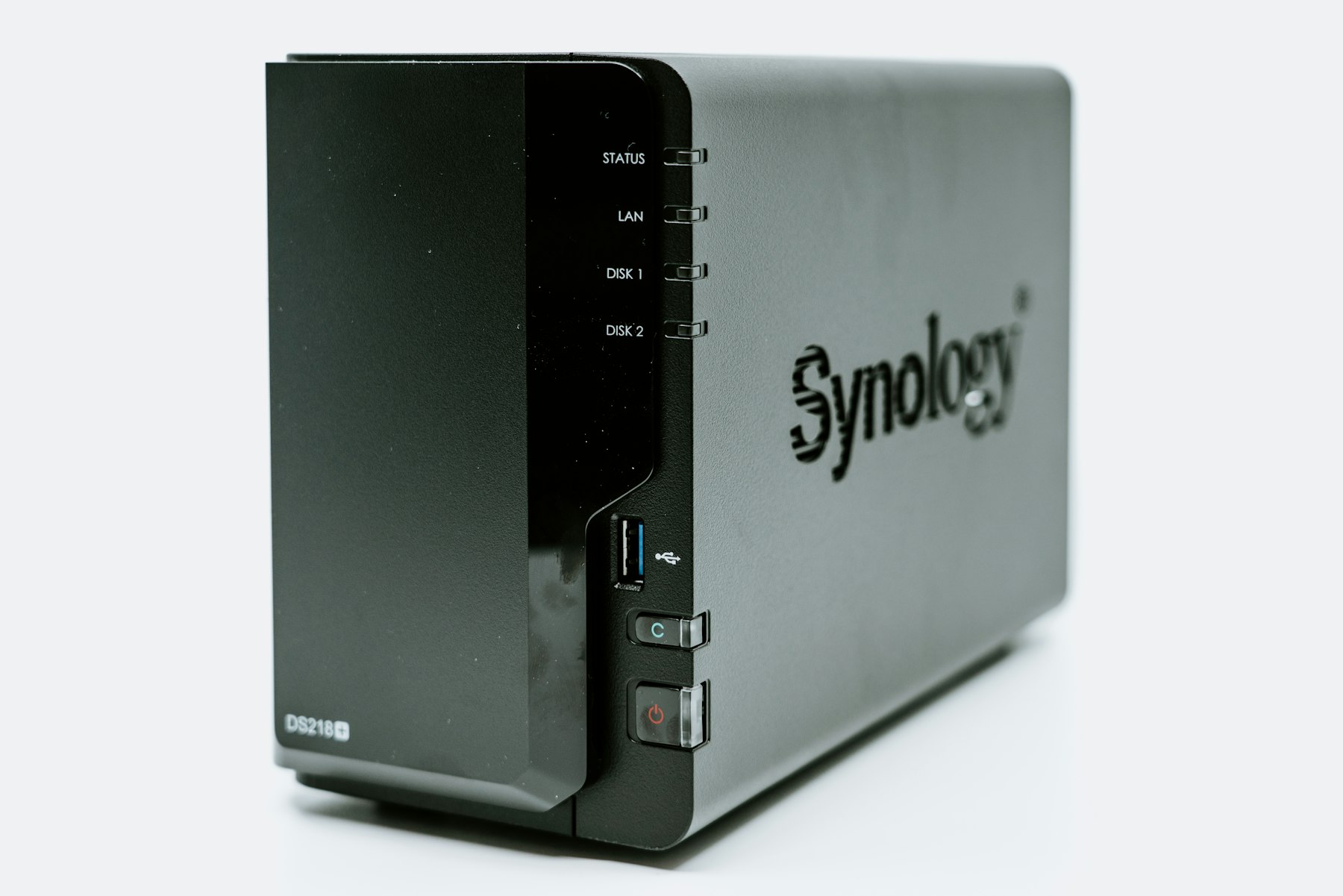
For a business, a custom build is less about gaming-style performance and more about fit. A designer may need a strong graphics card and a color-accurate display connection. An engineer may need a lot of memory for large models. A video editor may need fast solid-state storage for active projects plus larger drives for archives. WinC Services offers custom PC builds configured for these kinds of needs, alongside custom servers and NAS storage.
What Do Off-the-Shelf Business Computers Do Well?
Pre-built business desktops and laptops from the major manufacturers are a sensible default for a lot of roles. Their strengths are real:
- Consistency. Buying several of the same model makes setup, imaging, and troubleshooting simpler.
- Single-vendor warranty. If something fails, there is one manufacturer to call for the whole unit.
- Fast availability. Standard configurations are often in stock, which helps when you are onboarding a new hire next week.
- Good enough for most office work. Email, Microsoft 365 or Google Workspace, browser-based apps, video calls, and accounting software rarely need more than a mainstream business machine.
If most of your team lives in email, documents, and web apps, standard business computers are usually the practical choice.
When Does a Custom-Built PC Make More Sense?
A custom build starts to pay off when a standard model does not match the workload. Common signs include:
- The work is graphics-heavy. CAD, architectural visualization, 3D modeling, rendering, and video production lean heavily on the graphics card, and pre-built office models often ship with modest graphics.
- Employees wait on their computers. If someone regularly waits for files to open, exports to finish, or models to recalculate, that waiting is paid time.
- You need a specific mix of parts. Perhaps you need a lot of memory but only a modest processor, or several internal drives, or particular ports for lab or production equipment. Custom builds let you pay for what matters and skip what does not.
- You want room to upgrade. A custom desktop is typically built with standard parts, so adding memory, swapping a graphics card, or adding storage later is often straightforward instead of requiring a whole new machine.
- Quiet and cooling matter. Machines that run hard all day in a small office benefit from cooling chosen for sustained loads, which also helps component longevity.
Custom vs. Off-the-Shelf: A Side-by-Side Look
| Factor | Off-the-shelf business PC | Custom-built PC |
|---|---|---|
| Best for | General office work, front desk, admin, sales | Design, engineering, media, data-heavy and development roles |
| Configuration | Choose from preset models | Parts chosen around the actual workload |
| Upgradability | Often limited, especially in compact models | Usually easier, using standard components |
| Warranty | One manufacturer covers the unit | Individual part warranties, coordinated by your builder or IT provider |
| Fleet consistency | Easy to standardize many identical units | Best for a smaller number of specialized machines |
Hidden Costs to Think About Before You Decide
The sticker price is only part of the picture. Before you buy, think through these questions:
- Who handles support? A custom machine is only a good investment if someone knows how it was built and can troubleshoot it. Having your builder and your IT support provider be the same team avoids finger-pointing.
- How will it be managed? Every computer, custom or not, still needs updates, endpoint protection, backups, and user account management. That work is what managed IT services are designed to cover.
- Where will the data live? Powerful workstations produce large files. Plan where active projects and archives will be stored and backed up, whether that is a shared NAS, a server, or cloud storage.
- What is the replacement cycle? An underpowered machine that has to be replaced early can cost more over its life than a better-matched machine bought once.
A Practical Approach for Orange County Small Businesses
Most offices do not need to choose one approach for everyone. A sensible pattern looks like this:
- List roles, not people. Group your team by the work they do: general office, customer-facing, and specialized technical or creative work.
- Standardize the general roles. Give general office roles a consistent off-the-shelf model so setup and support stay simple.
- Spec the specialized roles around their software. Check the requirements of the applications that matter most and build to those, with some headroom for growth.
- Plan storage and backup at the same time. Decide how files from the high-performance machines will be shared and protected.
- Put every machine under the same management. Custom or not, every device should receive updates, security protection, and monitoring.
WinC Services works with businesses across Los Angeles and Orange County on this kind of planning, from the computers themselves to the network and storage behind them. If you are based in OC, you can learn more about our IT support in Orange County.
Frequently Asked Questions
Are custom-built PCs reliable enough for business use?
Yes, when they are built with quality components, cooled properly, and tested before deployment. Reliability depends far more on part selection, assembly, and ongoing maintenance than on whether a large manufacturer put the machine together.
Is a custom PC more expensive than a pre-built business computer?
It depends on the workload. For basic office work, a standard business computer is usually the more economical choice. For specialized roles, a custom build can deliver the performance you need without paying for features you will not use, and it can often be upgraded instead of replaced.
What happens if a part fails in a custom PC?
Individual components carry their own warranties. The practical difference is who coordinates the repair, which is why it helps to have your builder or IT provider handle diagnosis and part replacement for you.
Can custom PCs be managed alongside our other company computers?
Yes. A custom-built workstation can receive the same updates, endpoint protection, backup, and monitoring as the rest of your fleet when it is enrolled in your IT management tools.
Should we build a custom server too?
Sometimes. If your business needs shared storage or applications hosted in the office, a custom server or a NAS may be part of the same conversation. WinC Services also builds custom servers and NAS storage sized to the business.
Talk Through Your Options
If you are not sure which roles in your office would benefit from a custom build, a short conversation usually clears it up. Book a consultation with WinC Services, call (213) 855-3506, or email [email protected]. We Make IT Human.