Many Los Angeles small businesses no longer need an in-office server if email, files, and everyday apps already live in Microsoft 365 or Google Workspace. A custom in-office server still makes sense when you need fast local shared storage, a line-of-business application that runs better on-site, equipment that has to talk to a machine in the office, or more control over where certain data is stored. The right answer depends on the work you do, not on whether having a server used to be the default.
If you run an office in Los Angeles, Pasadena, or nearby Orange County, this guide walks through the decision in plain English.
What an In-Office Server Actually Does
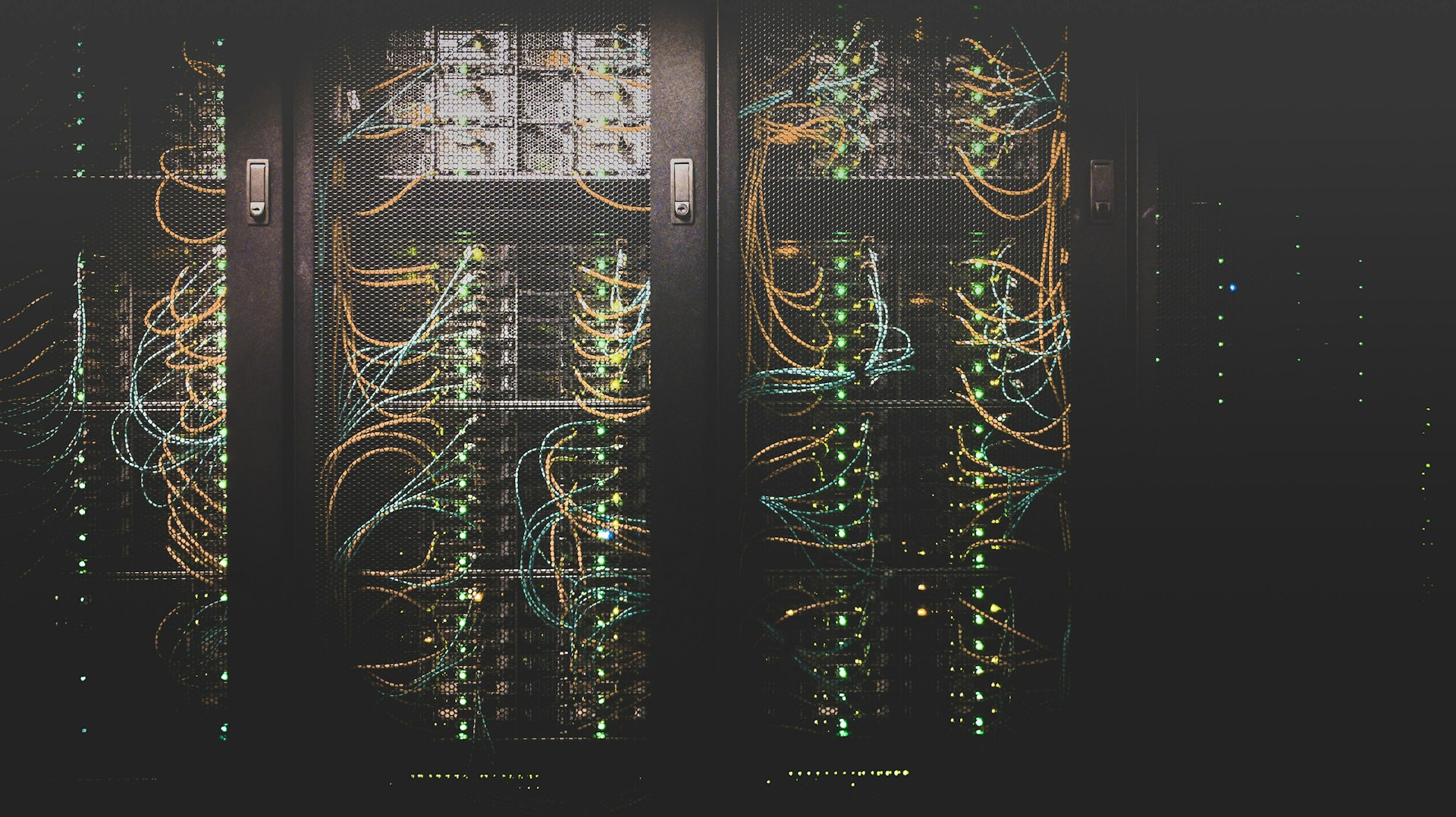
A server is a computer built to provide services to the rest of your team: shared files, shared applications, user accounts, or backups. Unlike a regular desktop, it is meant to stay on, be accessed by many people at once, and be sized for that workload rather than for one person sitting in front of it.
WinC Services builds custom servers around those requirements, alongside custom PC builds and NAS storage, as part of our additional IT services.
That is different from the cloud tools many offices already use. Microsoft 365 and Google Workspace put email, documents, and collaboration on remote systems you access over the internet. WinC Services supports both platforms as part of our managed IT services. For a lot of teams, those tools cover the jobs an office file server used to do.
When the Cloud Is Enough
You may not need an in-office server if most of the following is true:
- Your team works primarily in email, documents, spreadsheets, and browser-based apps
- Files are stored in OneDrive, SharePoint, Google Drive, or a similar cloud workspace
- People need to open the same files from the office, home, or a job site
- You do not run specialized software that requires a machine on your local network
- The files you share are modest in size, not multi-gigabyte design or media projects
This is a common pattern for professional services firms, shops, and small offices around Los Angeles. Cloud storage is also useful for remote work and as a copy of data you can reach if something happens at the office, which we covered in more detail when comparing SAN, NAS, and cloud storage. Moving away from an aging on-site server can be a planned cloud migration, shifting data and applications to cloud platforms without interrupting the business.
When a Custom In-Office Server Still Helps
An on-site server starts to earn its place when the work itself needs something the public internet does not handle well.
Large local files. Design, architecture, video, engineering, and other data-heavy roles create files that are slow to send back and forth over the internet all day. Those project files need a home — a shared NAS, a server, or cloud storage. We discussed that planning question when comparing custom PC builds and off-the-shelf computers. A server or NAS in the office can keep active work close to the people editing it.
Shared applications that expect a local host. Some industry-specific software — practice management tools, shop-floor systems, older accounting packages, or internal databases — is designed to run on a server on your network rather than as a cloud app.
Equipment that talks to a local machine. Scanners, production devices, lab equipment, and some printers or camera systems need a nearby computer they can reach reliably, even if the internet connection drops.
Tighter control over certain data. Some businesses prefer that specific records stay on equipment they can see and manage, while still using cloud tools for email and everyday documents. That can be a policy choice, a client requirement, or a preference for how backups and access are handled.
Custom Server, NAS, or Stay in the Cloud?
A practical way to sort the options:
- Stay cloud-first if your tools already live in Microsoft 365 or Google Workspace and file sizes are manageable.
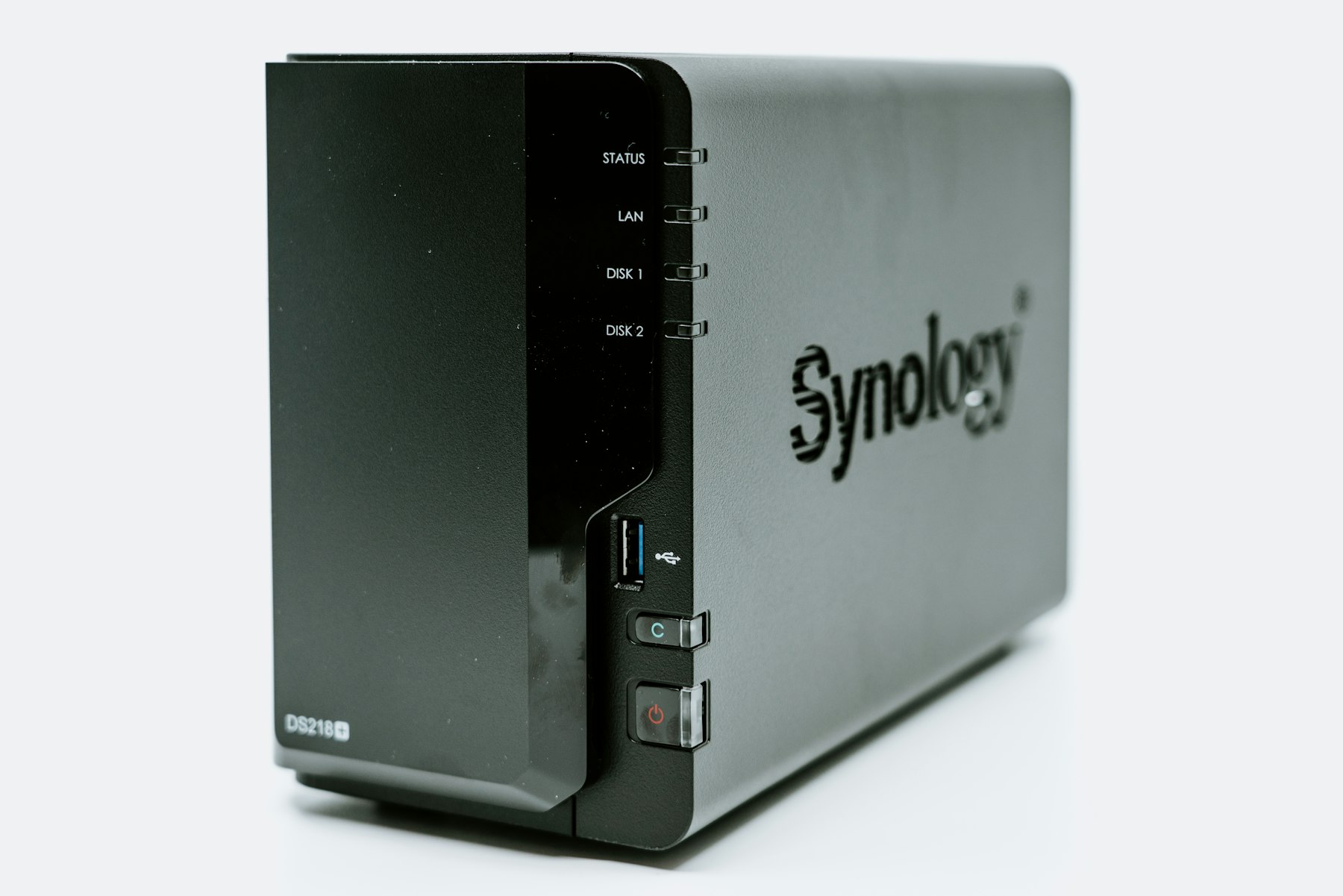
- Consider a NAS if the main gap is shared file storage and backups on your office network, without needing a full application server.
- Consider a custom server if you need to host applications, centralize accounts or other services, or run workloads that a file-sharing box is not meant to handle.
- Consider SAN-backed storage when several servers need fast, shared storage, which is more common as environments grow.
A NAS is often the simpler, more affordable way for a small business to share files and keep backups. A custom server can host applications and storage together, or work alongside a NAS. A SAN is typically used for high-performance shared storage behind servers, such as databases or virtualization. Many offices mix these: email in the cloud, large project files on a NAS or server, and an offsite copy for recovery.
What to Plan for If You Keep a Server On-Site
Buying the hardware is only the start. An in-office server needs a home and a caretaker.
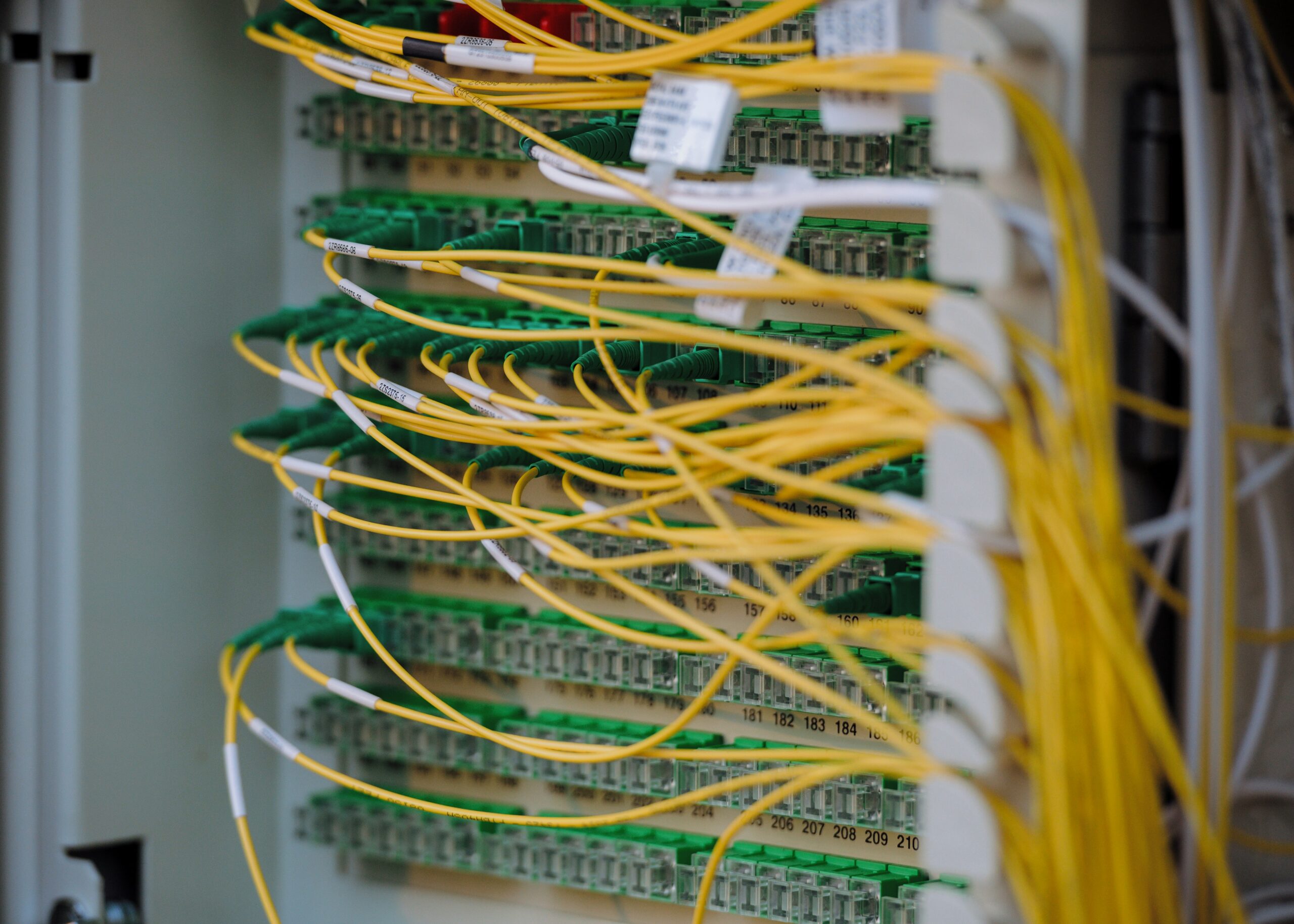
Network and power. Servers belong on wired network connections, not Wi-Fi. They also need clean power; a brief outage that hard-crashes a server is usually more painful than installing a UPS would have been. If you are already planning cabling, a rack, and a firewall for a Los Angeles office network setup, that is the moment to decide whether a server or NAS will live there.
Updates, access, and backups. Someone has to apply updates, control who can sign in, and confirm that backups actually restore. Managed IT typically includes monitoring of devices and servers, regular patching, backup oversight, and a helpdesk when something feels off.
Who built it and who supports it. A custom server is a better investment when the same team understands how it was configured and can troubleshoot it later. Specialized work such as a custom server or NAS installation is often scoped as a project, while monitoring and maintenance continue under managed support.
A Simple Way to Decide
Ask yourself these questions:
- If the internet went down for an afternoon, which work would stop — and which work could continue if files or an application lived in the office?
- Which applications truly require a machine on our network, and which have a solid cloud version we already use?
- How large are the files people wait on every day?
- Who currently updates the server, checks backups, and removes access when someone leaves?
- Are we keeping the current server because it is useful, or because it has always been there?
If cloud tools are doing the real work, you may be able to retire the office server. If you rely on large local files, a line-of-business application, or equipment that needs a local host, a custom server sized to that job is worth planning carefully.
Frequently Asked Questions
Do we need a server if we already use Microsoft 365 or Google Workspace?
Not automatically. Those platforms already cover email, documents, and file sharing for many small businesses. You would add an in-office server for a specific gap, such as a local application, large project files, or equipment that needs a machine on-site.
Is a NAS the same thing as a server?
Not exactly. A NAS is built mainly to store and share files on your network. A custom server can share files too, but it is also used to run applications and other services.
Can we use both an in-office server and the cloud?
Yes. A common setup is cloud email and collaboration, local storage or applications on a server or NAS, and a cloud or offsite copy of important data for recovery.
Does a server still need managed IT support?
Yes. A server that is not monitored, updated, and backed up becomes a single point of failure. Ongoing maintenance is separate from the project of building or installing the machine.
Talk Through Your Options
If you are unsure whether your Los Angeles or Orange County office still needs a server, a short conversation is usually enough to sort it out. WinC Services is based in Pasadena at 1308 E Colorado Blvd and builds custom servers as well as NAS storage sized to the business. Book a consultation, call (213) 855-3506, or email [email protected]. We Make IT Human.