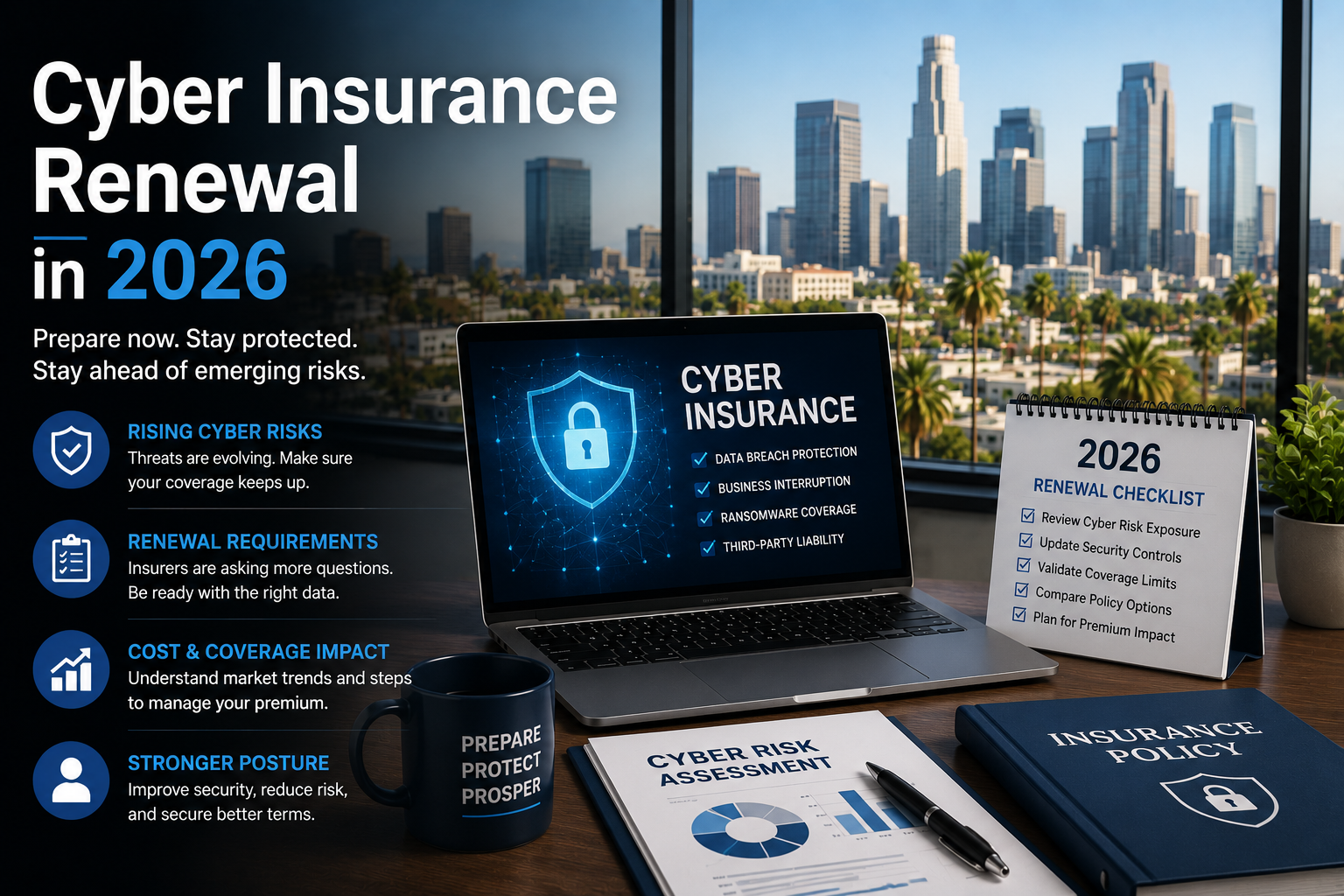
To get or renew cyber insurance in 2026, most carriers now require multi-factor authentication on all remote access and email, endpoint detection and response on every device, tested and offsite backups, security awareness training, and a documented incident response plan. Missing any of these can mean a declined application, a higher premium, or a denied claim later.
Cyber insurance used to be easy. You filled out a one-page form, checked a few boxes, and got a policy.
That’s over.
After several years of heavy ransomware losses, carriers rewrote the rules. Applications are now detailed technical questionnaires. Underwriters verify what you claim. And if your answers don’t match reality when you file a claim, the payout can disappear.
Here’s what they’re asking for, and what to do about it before your renewal date.
The five controls carriers require almost universally
1. Multi-factor authentication — everywhere
This is the one that sinks the most applications.
Carriers want MFA on:
- Email (especially Microsoft 365 and Google Workspace)
- All remote access — VPN, remote desktop, any way in from outside
- Administrative accounts
- Cloud applications holding sensitive data
“We have MFA on email” is no longer enough. Underwriters ask about admin accounts and remote access separately, because that’s where the expensive breaches start.
Common failure: MFA is enabled but not enforced. Users can skip it. Legacy authentication protocols are still turned on, quietly bypassing it entirely. Enabled and enforced are different states, and only one of them counts.
2. Endpoint detection and response (EDR)
Traditional antivirus matches known threats against a list. EDR watches behavior — it catches a ransomware encryption pattern even when the specific malware has never been seen before.
Carriers now distinguish sharply between the two. “We have antivirus” often reads as a no.
Ask your IT provider directly: “Is what we’re running EDR, or signature-based antivirus?” If they hesitate, you have your answer.
3. Backups that are offsite, immutable, and tested
Three separate requirements, and most businesses fail at least one.
- Offsite — a copy that isn’t reachable from your network. Ransomware actively hunts backups first.
- Immutable — cannot be modified or deleted for a set retention period, even with admin credentials.
- Tested — you have actually restored from them, recently, and documented it.
That last one catches almost everybody. Plenty of companies have backups running for years that have never once been restored. Some of those backups don’t work. You find out during the disaster.
Carriers ask when you last performed a test restore. Have a real answer.
4. Security awareness training
Most incidents start with a person clicking something. Carriers want to see ongoing training and simulated phishing tests — not a one-time video from three years ago.
They typically ask for training frequency and completion rates. Keep records.
5. A documented incident response plan
Not a plan in someone’s head. A written document that names who does what, who gets called, and in what order.
Some carriers ask whether you’ve tested it with a tabletop exercise. Increasingly, that’s a rate factor rather than a pass/fail.
What’s showing up on 2026 applications beyond the basics
Underwriting keeps tightening. Newer questions include:
- Privileged access management — how many people have admin rights, and why?
- Email filtering — advanced threat protection beyond the built-in defaults
- Network segmentation — can an infection in accounting reach your servers?
- Patch cadence — how quickly do critical patches get deployed?
- End-of-life systems — any Windows 10 machines still running? Unsupported servers?
- Vendor risk — who has access to your network, and what security do they carry?
- Wire transfer verification — a documented callback procedure for payment changes
That Windows 10 question is worth flagging. Support ended in October 2025. A fleet of unsupported endpoints is now a visible underwriting problem, not just an IT to-do.
The part that matters most: claim denial
Here’s what businesses underestimate.
The application is a legal document. When you attest that MFA is enforced across all remote access, you’re making a representation the carrier relies on to price the policy.
If you suffer a breach and the forensic investigation shows MFA wasn’t actually enforced on the account that got compromised, the carrier can deny the claim — or rescind the policy entirely.
This isn’t hypothetical. It’s become one of the more common reasons cyber claims fail.
The practical risk: someone in your organization fills out the questionnaire based on what they believe is true, or what they were told, or what was true eighteen months ago. Nobody verifies it technically. The gap only surfaces after an incident, at the worst possible moment.
What to do: have someone technical verify every answer before you sign. Not assume. Verify.
A 60-day plan before your renewal
Days 1–10 — Find out where you actually stand Get a written answer to each application question from whoever manages your IT. Not “yes” — evidence. Screenshots of enforcement policies. A backup test log with a date on it. Training completion reports.
Days 11–30 — Close the obvious gaps MFA enforcement is usually the fastest fix with the biggest impact. Then EDR deployment. Then backup testing.
Days 31–45 — Document Write the incident response plan. Record the backup test. Pull the training reports. Underwriters increasingly ask for evidence, not assertions.
Days 46–60 — Complete the application carefully Answer precisely. Where something is partially true, say so and describe the plan. Underwriters generally price honest gaps better than they price discovered misrepresentations.
The upside nobody mentions
Everything on this list is what you’d want anyway.
MFA, EDR, tested backups, trained staff, a written response plan — that’s not an insurance checklist. That’s basic operational resilience in 2026. The insurance requirement is just what finally forces the budget conversation.
And the same controls satisfy most compliance frameworks. If you’re a medical practice, this overlaps heavily with HIPAA. A financial firm, with GLBA and the FTC Safeguards Rule. A SaaS company, with SOC 2. You’re building one thing that answers several questions.
Frequently asked questions
Can I get cyber insurance without MFA? It’s increasingly difficult. Some carriers decline outright. Others will write the policy with a ransomware exclusion — which removes most of the reason you wanted coverage.
Is antivirus enough, or do I need EDR? Most carriers now expect EDR specifically. Traditional antivirus is often treated as insufficient on its own.
How much does cyber insurance cost for a small business? It varies widely by industry, revenue, and security posture. The bigger point is that businesses with strong controls pay meaningfully less than those without — the security investment partially pays for itself in premium.
What if we can’t meet every requirement before renewal? Talk to your broker early. Some carriers accept a documented remediation plan with deadlines. Silence is worse than a disclosed gap.
Does my IT provider handle this? They should. Ask them directly whether they’ve supported clients through cyber insurance applications before. Many providers haven’t, and it shows on the questionnaire.
Not sure whether your answers would hold up?
We review cyber insurance questionnaires for businesses across Los Angeles and Orange County, verify what’s actually in place technically, and give you a written gap list before you sign anything.
No obligation. You keep the report either way.
📞 (213) 855-3506
Request an insurance readiness review →
Related reading: