Every Los Angeles business runs on technology it rarely thinks about until something breaks. A locked account before a client call. A printer that vanished from the network. An email server that decides Monday morning is a good time to stop cooperating.
Individually, these look like minor annoyances. Added up across a team of 20 or 50 people, they become one of the largest hidden costs in a growing company. Industry research consistently puts the cost of IT downtime for small and mid-sized businesses in the thousands of dollars per hour once you account for lost billable time, missed deadlines, and stalled sales conversations.
This guide explains what IT helpdesk support actually is, what a good one should cover, and how Los Angeles businesses can tell the difference between a support partner that solves problems and one that just logs tickets.
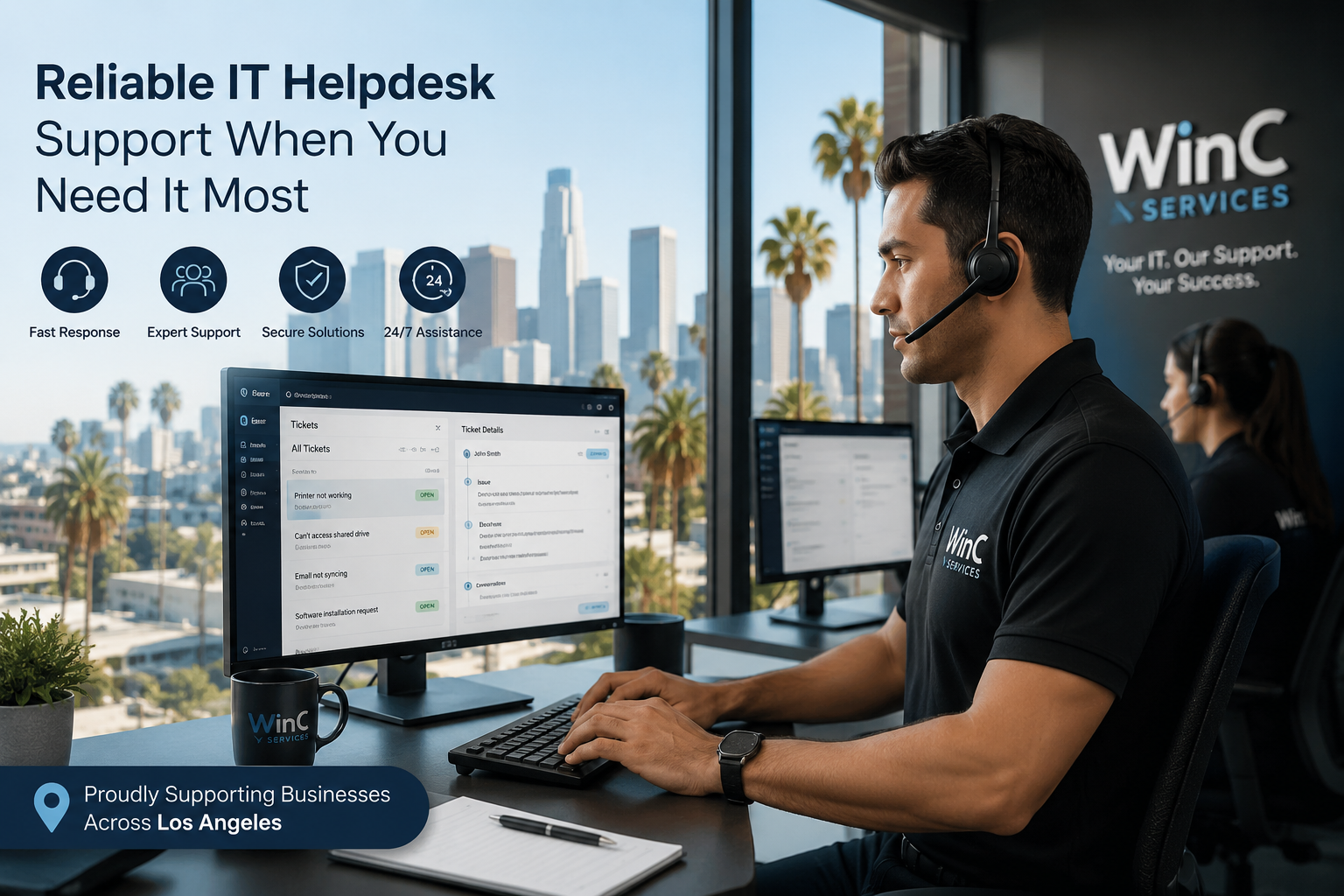
IT helpdesk support is the front line of your company’s technology operations. It’s the team your employees contact when something isn’t working and the team responsible for getting them back to productive work quickly.
A helpdesk typically handles:
- Account and access issues — password resets, new user setup, offboarding departed employees, permission changes
- Software troubleshooting — Microsoft 365, Google Workspace, CRM platforms, accounting software, industry-specific applications
- Email problems — delivery failures, spam filtering, mailbox migrations, calendar sync issues
- Hardware support — laptops, desktops, monitors, printers, scanners, conference room equipment
- Network connectivity — Wi-Fi dead zones, VPN failures, slow connections, device provisioning
- Remote and hybrid worker support — home office setup, secure remote access, device management
The distinction that matters most: a reactive helpdesk waits for tickets. A well-run helpdesk fixes the recurring issues behind those tickets so they stop coming in.
Why “Local” Still Matters for IT Support in Los Angeles
Plenty of national providers will sell you a support contract. The gap shows up in two places.
First, response time on physical problems. Remote support resolves most software issues perfectly well. But when a switch fails in your server closet in Culver City, a cable run gets damaged during a tenant improvement in DTLA, or a new hire needs a workstation deployed in Burbank, someone has to physically be there. A provider three time zones away schedules that for next week.
Second, context. A local team understands the realities of operating here: building management requirements in older commercial properties, ISP availability and lead times by neighborhood, permit and access constraints for cabling work, and the compliance environment for LA’s entertainment, healthcare, legal, and creative firms.
For a growing business, the practical test is simple how fast can someone competent be standing in your office when remote support isn’t enough?
What Complete IT Services in Los Angeles Should Include
Helpdesk support is one layer. A business past roughly 15–20 employees usually needs a partner covering the full stack.
Structured Cabling and Network Infrastructure
Most “slow internet” complaints aren’t internet problems at all. They’re infrastructure problems undersized cabling, poorly terminated runs, consumer-grade equipment handling business-grade load, or access points placed by guesswork.
Professionally installed Cable or fiber optic cabling with proper labeling and cable management delivers consistent throughput, makes troubleshooting dramatically faster, and prevents the tangle-in-a-closet situation that turns a 20-minute fix into a half-day project.
What to ask a provider: Do you provide a documented cable map and labeling scheme? Is the installation certified and tested?
Security Cameras and Access Control
Physical security and IT security have converged. Modern surveillance and access control systems live on your network, which means they need the same design attention as any other business system segmentation, secure credentials, firmware maintenance, and controlled remote access.
Done properly, these systems give you visibility into your workplace, support incident investigation, and often reduce insurance costs. Done poorly, an unpatched camera becomes an entry point into your network.
Office IT Relocation and New Office Setup
An office move is where IT planning either shows its value or its absence. The work involves far more than unplugging computers:
- ISP ordering and provisioning often the longest lead time in the entire project, sometimes 30–60 days
- Server and network equipment relocation, with a tested rollback plan
- Structured cabling at the new site before furniture arrives
- Workstation deployment and testing
- Phone system, conference room, and printer configuration
- A cutover schedule that minimizes business interruption
The single most common relocation mistake is treating IT as a moving-week task rather than a planning-phase task. Circuits ordered late are the reason teams sit in a new office with no connectivity.
Cybersecurity as Part of Support, Not a Separate Product
Small and mid-sized businesses are targeted precisely because attackers assume defenses are thin. Baseline protection for an LA business today includes:
- Firewall and network monitoring with alerting on unusual activity
- Endpoint protection on every company device, including remote workers’ machines
- Multi-factor authentication across email, VPN, and business applications
- Backup and disaster recovery that is tested, not just configured an untested backup is a hope, not a plan
- Patch management on a predictable schedule
- Security awareness training, since phishing remains the most common initial access method
The reason to keep security and helpdesk under one roof: the helpdesk sees the early signals. Unusual login prompts, unexpected password resets, and strange email behavior arrive as support tickets before they become incidents but only if someone is trained to recognize them.
How to Evaluate an IT Support Partner: 7 Questions
- What is your guaranteed response time, and is it in writing? Look for a documented SLA with tiered response times by severity.
- Who actually answers? A named local team or a rotating overseas queue?
- Can you dispatch someone on-site, and how quickly?
- How do you handle recurring issues? A partner tracking ticket trends is preventing problems. One that isn’t is billing you for the same fix repeatedly.
- What’s included versus billed hourly? Ambiguity here is where budgets break.
- What does your security baseline include by default? If MFA, endpoint protection, and tested backups are all add-ons, the base offering is thin.
- Do you provide documentation? Network diagrams, asset inventories, and credential management should belong to you, not be held hostage.
Signs Your Business Has Outgrown Its Current IT Setup
- Employees troubleshoot their own problems, or ask the one “computer person” on staff
- The same issues recur monthly with no root-cause fix
- Nobody can produce a current list of company devices and who has them
- Your backup has never been restore-tested
- Onboarding a new hire takes days instead of hours
- You’re planning a move, an expansion, or a second location
Any two of these together usually means the cost of informal IT already exceeds the cost of professional support.
Frequently Asked Questions
What’s the difference between IT helpdesk support and managed IT services? Helpdesk support is reactive it resolves issues employees report. Managed IT services include the helpdesk plus proactive work: monitoring, patching, security management, vendor coordination, and strategic planning. Most growing businesses eventually need both.
How much does IT support cost for a Los Angeles business? Pricing models vary per-user monthly, per-device monthly, or hourly block hours. Per-user managed support is the most common model for businesses in the 10–100 employee range because it scales predictably with headcount. Ask any provider for a total-cost picture including onboarding, after-hours rates, and project work, since the monthly figure alone rarely tells the whole story.
Can IT helpdesk support handle remote and hybrid employees? Yes. Remote support tools, cloud-based device management, and secure VPN or zero-trust access let a helpdesk support distributed teams. Home office setup, secure device provisioning, and remote troubleshooting are standard parts of the service.
How quickly should IT support respond to an issue? Critical issues affecting multiple users or business operations should get a response within roughly 15–60 minutes. Standard requests typically fall within a few business hours. What matters is that the commitment is documented in an SLA rather than implied.
Do small businesses really need cybersecurity services? Yes smaller organizations are frequently targeted because attackers expect weaker defenses. At minimum, every business should have multi-factor authentication, endpoint protection, tested backups, and current patching, regardless of size.
What should be planned first for an office IT relocation? Internet circuit ordering. It’s the item with the longest lead time and the one most likely to delay a move. Structured cabling at the new site comes next, followed by equipment relocation and workstation deployment.
Getting Technology Off Your Critical Path
For a growing Los Angeles business, the goal isn’t perfect technology it’s technology that stays out of the way. That means fast answers when something breaks, infrastructure built to handle the next stage of growth, and security that works quietly in the background.
WinC Services provides IT helpdesk support and complete IT services across Los Angeles, including structured cabling, security camera and access control installation, office relocation and new office setup, and managed cybersecurity. If your team is losing hours to preventable technical issues or you’re planning a move or expansion contact our Los Angeles team to talk through what your business needs.