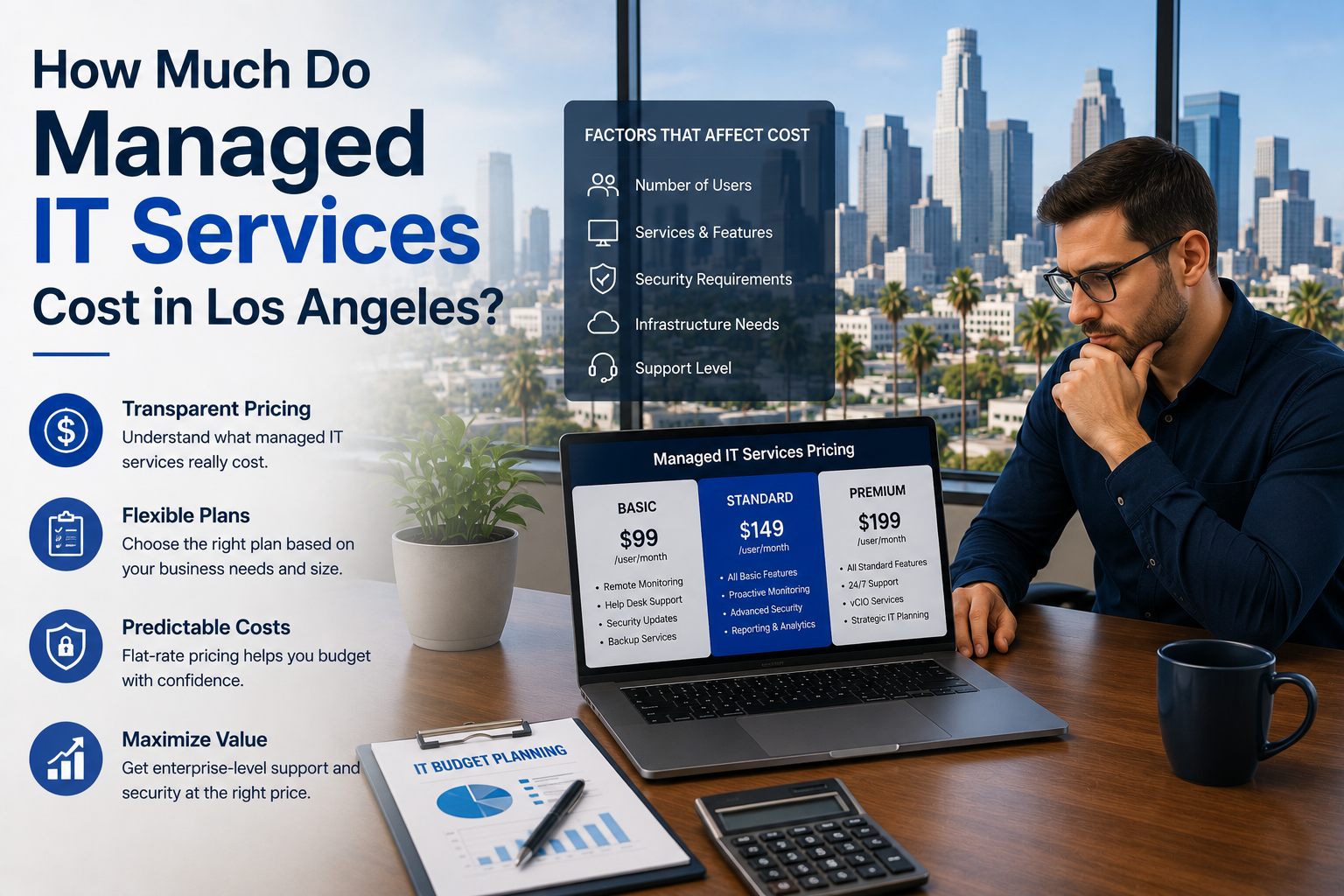
Managed IT services in Los Angeles cost between $125 and $250 per user per month in 2026. Most small businesses land around $150 to $200 per user. A 20-person company should expect to pay roughly $3,000 to $4,000 a month for a complete plan that includes help desk, monitoring, security, and backup.
That’s the answer. Now here’s the part most IT companies won’t put in writing.
Call five managed service providers in LA and you’ll get five quotes that look nothing alike. One says $95 a user. Another says $240. They’re both describing something they call “managed IT,” and the gap between them isn’t margin it’s scope. The cheap quote almost always excludes the things you’ll need most.
This guide breaks down what you actually pay, what should be included at each price point, and the three numbers that never appear on the first page of a proposal.
Why LA pricing runs higher than the national average
Nationally, managed IT runs about $100 to $250 per user per month. In Los Angeles and Orange County, the floor sits higher — usually $125 and up.
Three reasons:
Labor costs. A competent systems engineer in LA earns considerably more than one in Phoenix or Dallas. If your provider staffs locally, that shows up in your rate. If their rate looks suspiciously low, ask where their help desk sits.
Compliance density. Southern California is thick with law firms, medical practices, financial advisors, and defense subcontractors. More regulated clients means more providers carrying compliance expertise — and that expertise costs money.
Onsite expectations. LA businesses expect someone to show up. Same-day onsite coverage across a region this spread out requires more engineers on the road than a compact metro does.
None of that means you should overpay. It means a $79-per-user quote in Los Angeles is telling you something, and it isn’t that you found a bargain.
What you get at each price point
Here’s an honest breakdown of the tiers.
$100–$130 per user/month — Basic
Typically includes: Remote help desk during business hours. Patch management. Basic antivirus. Network monitoring.
Usually excludes: Onsite visits. Backup management. Advanced security tooling. Compliance work. Anything after 6pm.
Who it fits: A very small office with simple needs, no regulatory obligations, and tolerance for slower response.
The catch: At this price, projects are billed separately, and “project” gets defined generously. A server replacement, an office move, a new hire’s setup — those often land outside the plan.
$150–$200 per user/month — Standard
Typically includes: Everything above, plus after-hours support, endpoint detection and response, managed backup with tested restores, cloud and Microsoft 365 management, and some onsite coverage.
Who it fits: Most 15-to-75 person businesses in LA and Orange County. This is where the majority of our market sits.
Worth noting: This is the tier where “unlimited support” starts to mean something. Below it, the word usually comes with an asterisk.
$200–$300 per user/month — Premium
Typically includes: Everything above, plus 24/7 security operations monitoring, compliance program management, a dedicated virtual CIO, quarterly strategy reviews, and priority onsite response.
Who it fits: Regulated businesses. Firms with a compliance deadline. Companies where an hour of downtime costs more than a month of IT.
If you’re a medical practice facing a HIPAA audit, or a defense subcontractor working toward CMMC, this tier isn’t a luxury. It’s the cost of staying in business.
The three numbers hidden below the headline price
This is where quotes stop being comparable.
1. The onboarding fee
Every provider charges something to take you on — documenting your environment, deploying monitoring agents, cleaning up whatever the last provider left behind.
Typical range: $1,500 to $10,000, depending on size and mess.
Some providers bury it. Some waive it in exchange for a longer contract. Some quote a low monthly rate and make it back on onboarding. Ask directly: “What’s the one-time cost to get started, and what does it cover?”
2. The out-of-scope hourly rate
Everything not covered by your plan gets billed hourly. That rate matters more than people realize, because it determines what your surprise months look like.
Typical range: $150 to $250 per hour. After-hours and emergency rates often run 1.5× to 2×.
Then ask the real question: “What counts as out of scope?” A provider whose plan excludes server work, office moves, and new user setups will bill you hourly for the things you actually need.
3. Your true all-in per-user cost
Take the monthly rate. Add the onboarding fee spread across 12 months. Add whatever you realistically expect in project work. Divide by your user count.
That’s your real number. It’s usually 20% to 40% above the headline.
A $130-per-user quote with a $6,000 onboarding fee and a narrow scope frequently costs more over a year than a $180 quote that covers everything.
Per-user or per-device — which model should you take?
Per-user pricing has become the default, and for good reason. Most people now carry a laptop, a phone, and sometimes a tablet. Under per-device billing, that’s three line items for one human being.
Per-user means one flat rate covering all of that person’s devices. Simple to budget. Scales naturally when you hire.
Per-device still shows up, usually from older providers. Desktops run $25–$50 a month, servers $100–$250.
Flat-fee covers the whole company for one number regardless of headcount. Predictable, but check what happens when you grow.
For most LA businesses, per-user is the cleanest option. If a provider pushes per-device, ask them to quote both ways and compare.
What about co-managed IT?
If you already have an internal IT person who’s underwater, you don’t necessarily need to replace them.
Co-managed IT runs $65 to $120 per user per month. Your provider takes the help desk, after-hours coverage, monitoring, and security operations. Your internal person keeps the strategic work and the institutional knowledge.
It’s the fastest-growing model in the market right now, and it’s an easier internal conversation than “we’re outsourcing IT” — because nobody loses their job.
Watch for the user minimum
Most providers enforce a minimum of 10 to 15 users. If you have six employees, you may be quoted as if you have ten.
That’s not necessarily unreasonable — there’s a floor to what it costs to properly support any environment. But it should be disclosed up front, not discovered on the first invoice. Ask.
Contract length and what it’s worth
Multi-year agreements typically run 10% to 20% cheaper per user than month-to-month.
Before you sign a three-year deal for the discount, ask two things:
- What’s the early termination clause? Breaking a multi-year contract often triggers a fee equal to one to three months of the remaining term.
- What happens if service quality drops? A good provider will offer a performance-based out. One that won’t is telling you something.
How to compare two quotes properly
Put them side by side and fill in these blanks for each:
- Monthly per-user rate
- One-time onboarding fee
- Out-of-scope hourly rate
- After-hours rate
- Is backup management included, with tested restores?
- Is endpoint detection and response included, or just antivirus?
- How many onsite visits are included per month?
- Where is the help desk physically located?
- What’s the guaranteed response time, in writing?
- Is compliance support included or extra?
- Contract length and termination terms
If a provider won’t answer these in writing, that’s your answer.
Frequently asked questions
How much does IT support cost for a 20-person company in Los Angeles? Between roughly $3,000 and $4,000 a month at standard-tier pricing. Add compliance requirements or heavy onsite needs and it moves toward $5,000.
Is $99 per user a realistic price for managed IT? Rarely, in this market. Endpoint security software alone costs a provider $5 to $15 per user. Add a staffed help desk with real response times and backup with tested restores, and the math stops working. At that price you’re usually buying monitoring with a shared help desk — not managed IT.
Do managed IT costs go down as we grow? Usually yes. Most providers offer volume tiers, so per-user rates drop as headcount rises. The total goes up; the rate per person comes down.
Should I pay hourly instead of monthly? Only if your environment is tiny and simple. Hourly billing means your provider earns more when things break, which is a strange incentive to build a relationship on. Monthly means they earn more when things run well.
What’s the cheapest legitimate way to get IT support? Co-managed IT, if you already have someone internal. Otherwise, a standard-tier plan with a clear scope beats a cheap plan with a narrow one — almost every time.
Get a real number for your business
Generic ranges only take you so far. Your actual cost depends on your headcount, your compliance requirements, and the state of what you’re running now.
We’ll look at your environment and give you a written, line-itemized quote — no obligation, and no vague “contact us for pricing.”
WinC Services is a managed IT provider based in Pasadena, serving businesses across Los Angeles and Orange County.
📞 (213) 855-3506 📍 1308 E Colorado Blvd Unit #3130, Pasadena, CA 91106
Related reading: