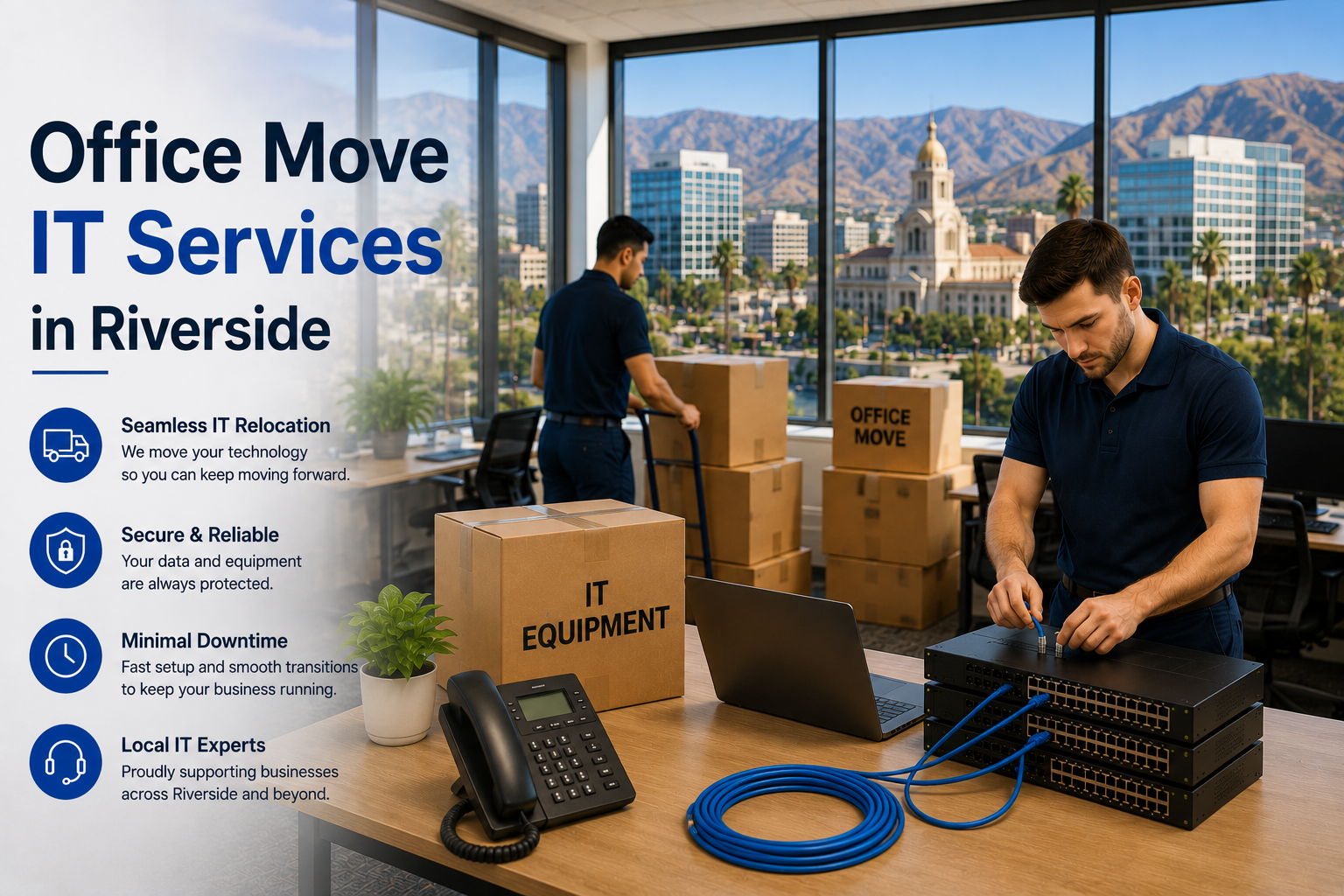
Plan a Riverside office IT relocation 90 to 120 days out longer than coastal markets, because fiber availability is less consistent across the Inland Empire and construction is more often required. Two local factors drive the rest of the plan: tilt-up concrete construction makes cabling harder, and summer heat makes server room cooling a genuine risk rather than an afterthought.
Riverside and the wider Inland Empire aren’t like Irvine or Santa Monica. The building stock skews toward warehouse, distribution, light industrial, and older downtown commercial. Distances between buildings are longer. And the summer is genuinely hot.
All three change how you plan a move.
Connectivity: check before you sign
This is the single biggest difference from coastal Southern California.
| Situation | Timeline |
|---|---|
| Fiber in building | 2–4 weeks |
| Fiber nearby, short build | 30–60 days |
| Construction required | 60–150 days |
Fiber coverage across the Inland Empire is improving but remains uneven. An industrial park built in 1995 on the outskirts of Riverside or Moreno Valley may have limited options, and the build cost can be quoted back to you as a construction charge.
Before you sign the lease, get in writing: which carriers serve the building, whether fiber is already at the demarc, and what a new install would cost and take.
That last part matters carriers sometimes quote a significant construction contribution for buildings off the fiber route. Better to discover that during negotiation, when the landlord might absorb it.
Fixed wireless is a real interim option here. Coverage across the IE is decent and it can bridge a gap while fiber is built.
Tilt-up concrete changes the cabling plan
Most Inland Empire industrial and flex space is tilt-up concrete construction — precast panels raised into place.
What this means:
- Core drilling. Getting cable through a concrete wall means drilling, which is slower and more expensive than fishing through drywall.
- Surface-mounted pathways. Often cable runs in visible conduit or tray rather than hidden in walls.
- Structural limits. You can’t drill wherever you like. Structural engineering input is sometimes needed.
Budget accordingly. Cabling in tilt-up space typically runs above the standard office range, and pathway planning matters more than it does in a drop-ceiling office.
Distance is a design factor
Warehouse and distribution facilities are large. Ethernet stops working past 328 feet.
This means:
- Intermediate distribution frames. For a large warehouse you may need secondary network closets connected by fiber back to the main room. That’s additional equipment, additional cabling, and additional planning.
- Fiber backbone. Between the main and secondary closets.
- Outdoor-rated cable if you’re crossing between buildings on a campus.
- Wi-Fi coverage across large spans. Warehouse wireless is its own discipline — high ceilings, metal racking, and moving inventory all interfere with signal.
Heat is not a footnote
Riverside routinely exceeds 100°F in summer. Server rooms run hot to begin with.
Get this right during the move, not after the first failure:
- Dedicated cooling. A server closet cannot rely on the building HVAC, which often reduces overnight and on weekends — exactly when the room is still generating heat.
- Temperature monitoring with alerts. Cheap, and it tells you before hardware dies.
- Don’t use an interior closet with no ventilation. It’s the default choice and it’s the wrong one.
- Check the power. Cooling plus equipment plus UPS needs adequate circuits.
Equipment failure from heat is one of the more common preventable problems in Inland Empire facilities, and it always seems to happen in August.
The 90–120 day timeline
120–90 days out
- Confirm fiber availability before signing the lease
- Order primary circuit; consider fixed wireless as a bridge
- Walk the space and identify the IT room
- Assess cooling and power for that room
- If it’s a warehouse, plan IDF locations
60 days out
- Finalize cabling design including any fiber backbone
- Book contractor — confirm they’re equipped for core drilling
- Order cooling equipment for the server room if needed
- Start phone number porting
- Plan warehouse Wi-Fi coverage properly
30 days out
- Cabling and pathway installation
- Rack, IDF, and network hardware
- Cooling installed and tested
- Full network testing including warehouse coverage
- Confirm circuit activation
Move week
- Verified backups
- Label and photograph everything
- Physical move
- Reconnect, test, confirm
- Staff on site the first full day
After
- Keep old circuit two weeks
- Verify server room temperatures under real load
- Update address records everywhere
Frequently asked questions
How long does a Riverside office IT move take to plan? Ninety to 120 days. Fiber availability is the main variable and it can extend well beyond that if construction is needed.
Why is cabling more expensive in Inland Empire industrial buildings? Tilt-up concrete construction requires core drilling and surface-mounted pathways rather than simple runs through drywall and drop ceilings.
Do I need extra network closets in a warehouse? If any run exceeds 328 feet, yes. Large facilities typically need intermediate distribution frames linked by fiber.
How much cooling does a server room need? It depends on the equipment load, but the key point is that it needs dedicated cooling, not building HVAC — especially given Riverside summers.
Is fixed wireless good enough as a primary connection? Usually as a bridge rather than a permanent solution. It’s a reasonable interim while fiber is built.
Planning a Riverside or Inland Empire move?
We assess the space, design for the building you’re actually moving into, and manage the whole IT relocation.
📞 (213) 855-3506
Related: