When should an Irvine small business replace its office server? Replace it when the server can no longer be kept secure and supported, when it is the bottleneck your team waits on every day, or when a failure would stop work and you no longer trust the recovery plan. Age alone is not the deciding factor. A server that still receives updates, has healthy drives, restores cleanly from backup, and keeps up with your workload can stay in service. One that is out of support, short on capacity, or held together by workarounds is a business risk, and that is the time to plan a replacement on your schedule instead of after it fails.
Below, we walk through the warning signs, the options to consider before you buy a new box, and how to plan a replacement without disrupting an office in Irvine, Tustin, Costa Mesa, or anywhere else in Orange County.
Signs Your Office Server Is Due for Replacement
Most servers do not fail all at once. They send signals for months. If several of these sound familiar, it is time to start planning:
- The operating system or key software is out of support. When the vendor stops releasing security updates, every new vulnerability stays open. This is often the clearest reason to replace or rebuild a server.
- The hardware warranty or support contract has expired. Without it, a failed part can mean waiting on used components or emergency purchases while the office sits idle.
- Drive warnings keep coming back. Repeated disk errors, degraded RAID arrays, or drives that have been swapped more than once are signs the storage is wearing out.
- The team is waiting on it. Slow file opens, a line-of-business application that lags at busy times, or sign-ins that crawl in the morning usually mean the server is undersized for today’s workload.
- Storage is nearly full. Constant cleanup to free space, or projects moved to personal laptops because the server is out of room, puts data in places that are harder to protect.
- Nobody is confident the backups work. If a test restore has not been done recently, or it failed, the server is a bigger risk than it looks.
- No one is sure what runs on it. If the person who set it up is gone and nobody can list its jobs, that is a problem to solve before the hardware forces the issue.
Replace, Upgrade, or Retire? Know Your Options First
Replacing a server does not always mean buying a bigger version of the same thing. Before you spend money, map what the server actually does today: shared files, user accounts, a database or practice management system, print services, backups, or connections to equipment in the office. Then match each job to the right home.
Upgrade the existing server
If the hardware is still supported and the only gap is capacity, adding storage or memory can buy time. This only makes sense when the operating system and platform are still receiving updates.
Replace it with a custom server
If you still run applications or services that need a machine on your network, a new server sized to your current workload, with room to grow, is usually the right move. WinC Services builds custom servers configured around your business requirements rather than a one-size-fits-all spec.
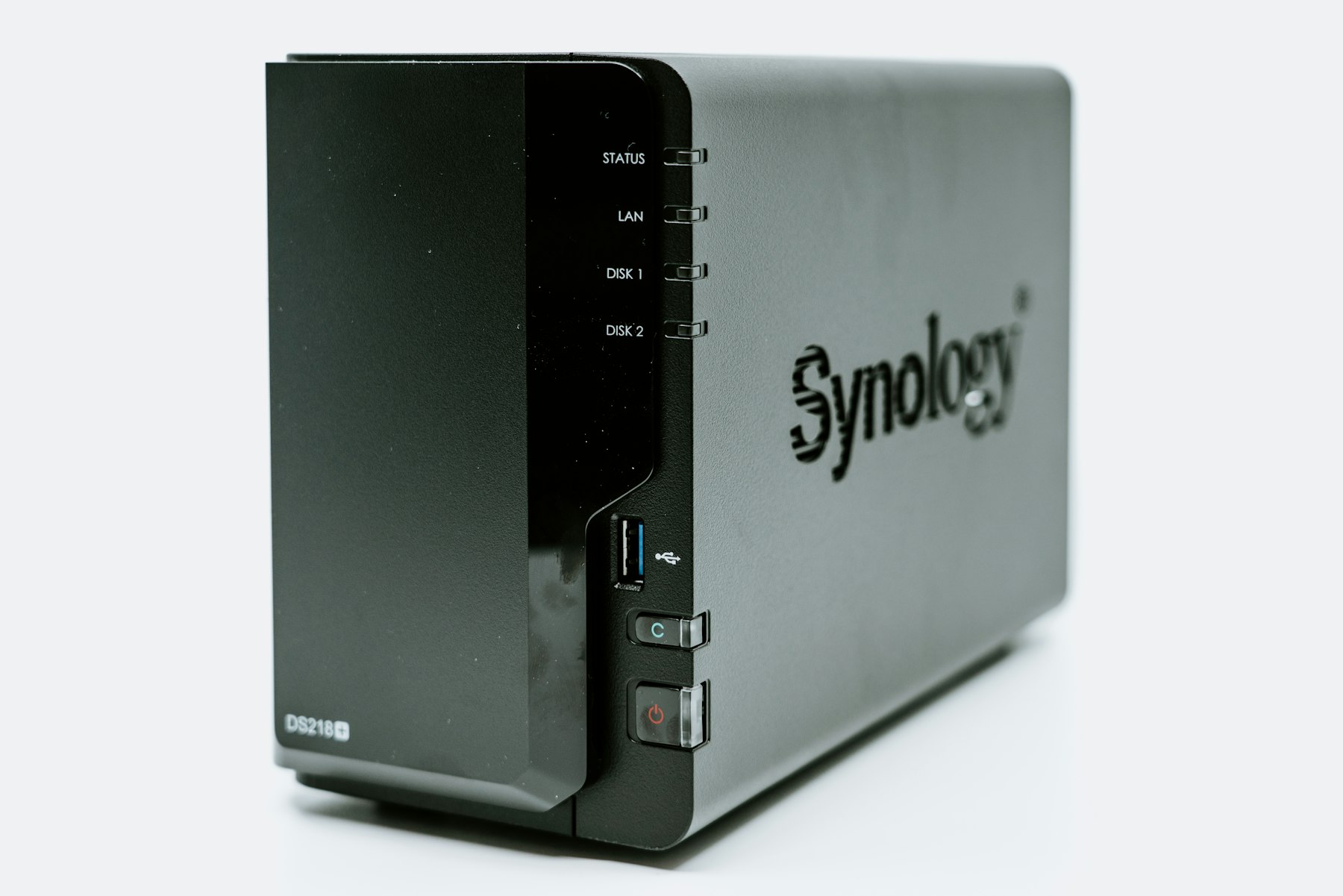
Move file storage to a NAS
If the server is mostly a file share, a network-attached storage (NAS) device may cover that job more simply. Just remember that a NAS holding your only copy of the files is storage, not a backup. We explain why in our guide Is a NAS a Backup?
Shift workloads to the cloud
If email, documents, and collaboration already live in Microsoft 365 or Google Workspace, some of what the server did may not need to be replaced at all. We cover that decision in Does Your Los Angeles Small Business Still Need an In-Office Server?
Many offices end up with a mix: cloud email and documents, a server or NAS for large local files or a local application, and an offsite copy of important data for recovery. Growing environments with several servers that need fast shared storage may also look at SAN storage, which we compare in Understanding the Differences: SAN, NAS, and Cloud Storage.
What to Size a Replacement Server For
A replacement should be built for the next several years of your business, not the last several. When scoping a new server, think through:
- Workload. Which applications run on it, how many people use them at once, and which times of day are busiest.
- Storage. How much data you have now, how fast it is growing, and whether large project files need fast local access.
- Redundancy. Drive redundancy and, where it matters, redundant power supplies so a single failed part does not take the office down.
- Backup and recovery. Where backups go, how often they run, and how long a full restore would take if the server failed.
- Physical home. A wired network connection, a well-ventilated rack or closet, and a UPS for clean power during brief outages.
How to Replace a Server Without Disrupting the Office
The risk in a server replacement is rarely the new hardware. It is the migration. A careful plan usually follows these steps:
- Inventory everything the old server does, including the quiet jobs like scheduled tasks, scan-to-folder destinations, and license servers.
- Take and verify a full backup before anything moves.
- Build and test the new server alongside the old one, so the team keeps working while data and applications are staged.
- Cut over at a quiet time, such as after hours or over a weekend, then confirm shared drives, applications, and printers work for real users.
- Keep the old server available briefly as a fallback, then wipe its drives securely before it is retired or recycled.
After the move, the new server still needs a caretaker. Ongoing IT support covers hardware maintenance, software updates, and disaster recovery planning so the replacement does not slowly turn into the next aging server.
Frequently Asked Questions
How long does a small business server last?
It depends on the hardware, the workload, and how well it is maintained. A more useful test than age is whether the server is still supported with security updates, still covered for parts, and still fast enough for your team. When any of those answers becomes no, start planning.
Can we keep running a server after its operating system is out of support?
It may keep working, but it stops receiving security fixes, which makes it an easier target and can create problems with cyber insurance and compliance requirements. Treat end of support as a deadline, not a suggestion.
Should we replace our server with a NAS?
If the server only shares files, a NAS can be a simpler replacement. If it also runs applications, user accounts, or other services, you will likely still need a server. Either way, keep a separate backup copy.
Is a custom server better than a prebuilt one?
A custom server is built around your actual workload, storage needs, and growth plans, so you are not paying for parts you do not need or missing ones you do. What matters most is that it is sized correctly and that the team supporting it understands how it was configured.
Plan Your Server Replacement with WinC Services
If your Irvine or Orange County office server is showing its age, a short conversation can tell you whether to upgrade, replace, move to a NAS, or retire it in favor of the cloud. WinC Services serves businesses across Los Angeles and Orange County from our office at 1308 E Colorado Blvd Unit #3130, Pasadena, CA 91106. Book a consultation, call (213) 855-3506, or email [email protected]. We Make IT Human.