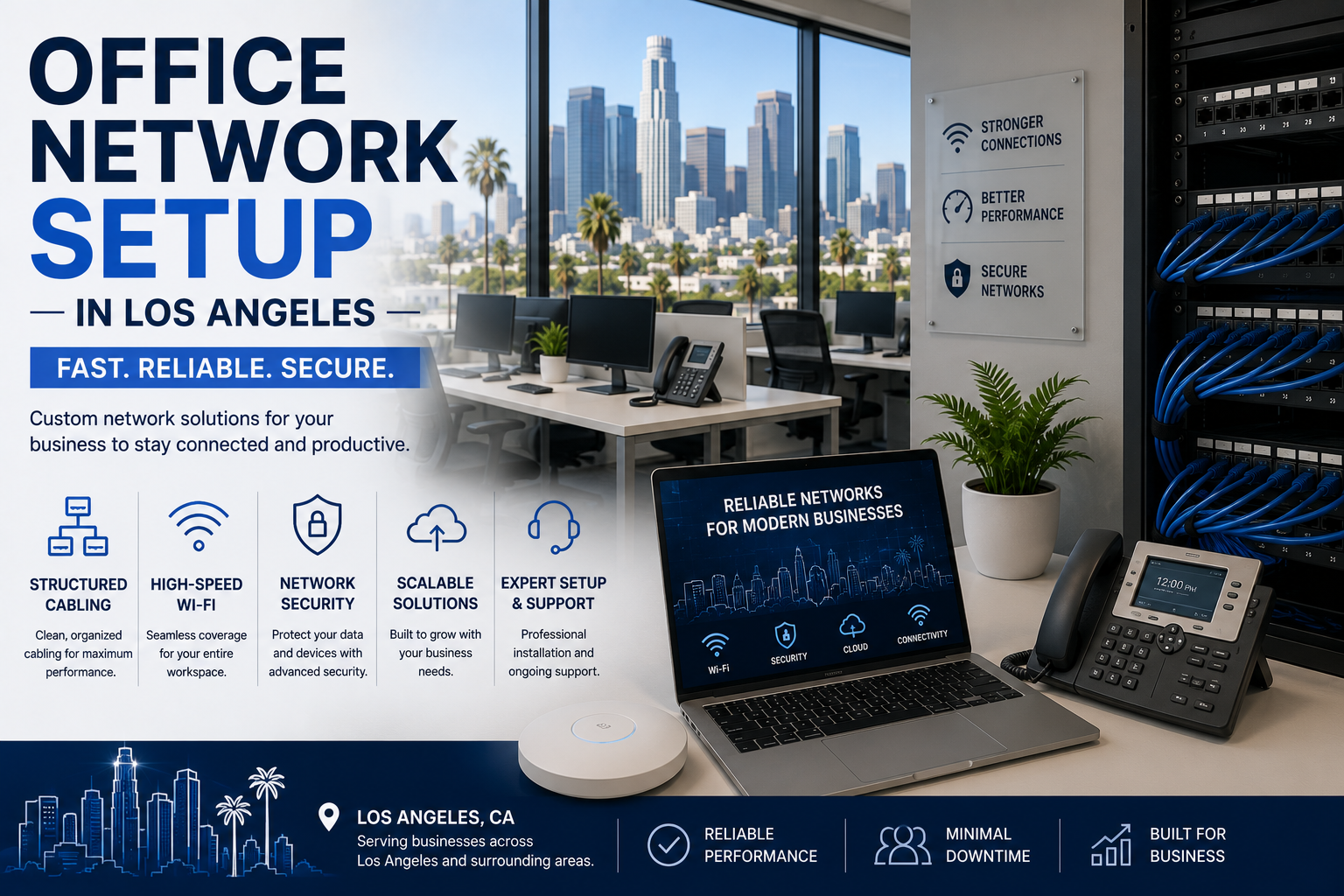
A complete office network setup in Los Angeles costs roughly $8,000 to $25,000 for a 25-person office. That covers structured cabling, a rack, switches, a business firewall, and Wi-Fi access points. Cabling is usually the largest line item at $150 to $350 per drop, and the building you’re in affects that number more than anything else.
Building a network from scratch is one of the few IT projects where the decisions you make on day one stay with you for a decade. Cable is expensive to install and cheap to over-provision, so getting it right the first time genuinely matters.
Here’s what goes into it, what it costs in LA specifically, and where people underspend.
The five components
1. Structured cabling — $150 to $350 per drop
One “drop” is one cable run from your rack to one endpoint. Twenty-five desks plus six access points plus four printers plus two cameras is 37 drops.
LA-specific factors that move the price:
- Modern drop-ceiling office — standard pricing
- Downtown high-rise — add for riser coordination and after-hours access requirements
- Older Hollywood or Mid-Wilshire building — plaster walls and hard ceilings push costs up
- Industrial space in Vernon or Commerce — concrete means core drilling
Cat6 or Cat6a? The cable itself is about 30% more for Cat6a. The labor is nearly identical, and labor dominates the total. On a new install, Cat6a is often a modest premium for a meaningfully longer useful life. Re-cabling later costs full price.
2. The rack and closet — $500 to $3,000
Wall-mounted cabinet for a small office, floor rack for anything larger. Add patch panels, cable management, and a UPS.
The part people skip: cooling and power. A sealed closet full of equipment gets hot. In LA summers, that’s a real failure risk. Budget for ventilation and adequate circuits.
3. Switches — $500 to $6,000
This is where you decide how much control you want.
- Unmanaged — cheap, no configuration, no visibility. Fine for a very small office with simple needs.
- Managed — VLANs, monitoring, traffic prioritization, port-level control. What most businesses should buy.
- PoE (Power over Ethernet) — required if you’re powering access points, cameras, or VoIP phones over the network cable. Most offices need it.
Get PoE. Almost every modern office ends up needing it, and retrofitting means buying switches twice.
4. Firewall — $500 to $5,000 plus subscription
Not the router your ISP hands you. A business firewall handles content filtering, intrusion prevention, VPN access, and network segmentation.
Budget for the subscription. Security features on business firewalls are licensed annually. A firewall without a current subscription is a router.
5. Wi-Fi access points — $200 to $800 each, installed
Ceiling-mounted, properly positioned, each with its own cable drop.
The most common LA mistake: buying one access point for a 5,000 square foot office because “the range says it covers that.” Range specs assume open air. Walls, glass partitions, and people all reduce it. Density matters more than range.
Rule of thumb: one access point per 1,500 to 2,500 square feet in a normal office. More in dense or open-plan environments.
Real budget ranges for LA
Small office — 10 people, 15 drops Cat6, wall-mount rack, managed PoE switch, entry business firewall, 2 access points $6,000 – $11,000
Mid-size office — 25 people, 37 drops Cat6a, floor rack, managed switches, business firewall, 5–6 access points, UPS $12,000 – $22,000
Larger office — 50 people, 70 drops Cat6a, full rack, stacked switches, firewall with redundancy, 10–12 access points $25,000 – $45,000
Creative or post-production studio — 20 people 10-Gig capable cabling, high-throughput switching, shared storage connectivity $25,000 – $60,000+
That last category is worth calling out, because LA has a lot of them. Media and post-production workflows move enormous files. A network designed for email and browsing will strangle a video team.
Design decisions that matter more than hardware
Segment your network. Guest Wi-Fi should not touch your business network. Neither should security cameras, smart TVs, or anything else that doesn’t need to. This is what VLANs are for, and it’s the cheapest security improvement available.
Plan for 30% more drops than you need today. Adding spare cable during the install costs a fraction of coming back.
Put the access points in the ceiling where coverage is best, not wherever the cable happens to end. Do a wireless design, even a basic one.
Label everything at both ends. Unlabeled cable turns every future change into detective work.
Get the certification report. Each run should be tested and certified, and you should receive the documentation. Without it you have no proof the work meets spec, and no baseline when something intermittent goes wrong in two years.
Where LA businesses underspend
The firewall. It’s the thing standing between your network and the internet. This is not where to economize.
Wi-Fi access points. Buying three when you need six produces an office where the Wi-Fi “just doesn’t work in the back,” permanently.
The UPS. A power blip that hard-crashes a server costs more than the UPS would have.
Cooling in the network closet. Cheap to solve during the build. Expensive to solve after equipment failure.
Frequently asked questions
How much does it cost to set up a network for a 25-person LA office? Typically $12,000 to $22,000 including cabling, rack, switches, firewall, and Wi-Fi. Older buildings and high-throughput workflows run higher.
How long does an office network installation take? Usually three to seven working days for a mid-size office, depending on building access and whether after-hours work is required.
Do I need Cat6a or is Cat6 enough? Cat6 handles most offices today. Cat6a is worth it if you’re doing heavy file work, deploying Wi-Fi 6E or 7, or staying in the space more than five years.
How many Wi-Fi access points do I need? Roughly one per 1,500 to 2,500 square feet in a typical office, more in open-plan or high-density spaces. It should be designed, not estimated.
Can I use the router my internet provider supplied? For a very small office, possibly. For anything with employees and business data, no — you need a firewall with real security capabilities.
Building out a new LA office?
We design and install business networks across Los Angeles — cabling, racks, switching, firewalls, and Wi-Fi. We walk the space first and quote a fixed price.
WinC Services — 1308 E Colorado Blvd Unit #3130, Pasadena, CA 91106 📞 (213) 855-3506
Related: