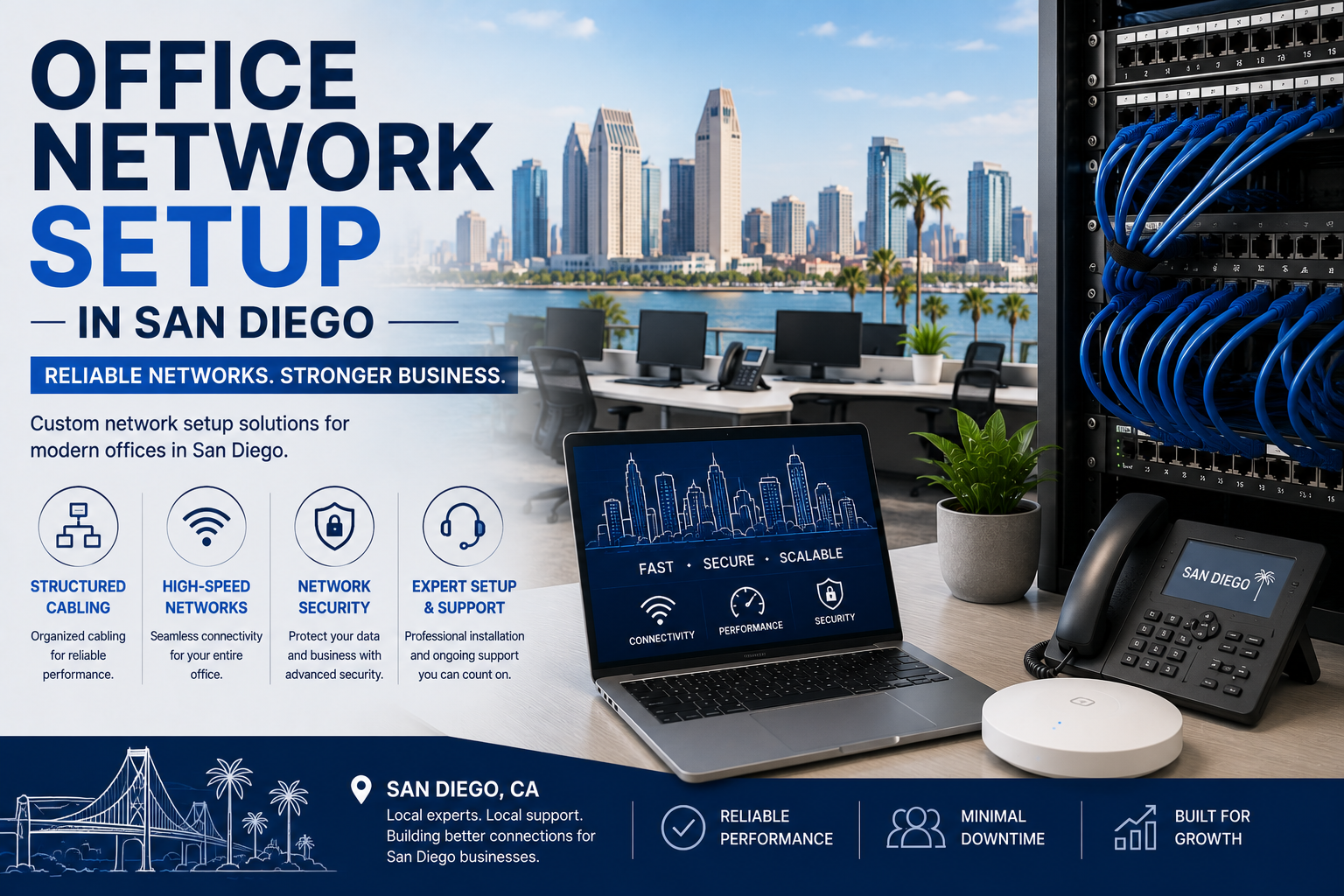
A complete office network setup in San Diego costs roughly $8,000 to $25,000 for a 25-person office — cabling, rack, switches, firewall, and Wi-Fi. What makes San Diego different is that two of its largest industries, life sciences and defense, have network segmentation requirements that change the design fundamentally, not just cosmetically.
The basic build is the same everywhere. What varies is what the network has to keep separate — and in San Diego, that’s often the whole design problem.
The standard build and what it costs
Structured cabling — $150 to $350 per drop Rack, patch panels, UPS — $500 to $3,000 Managed PoE switches — $500 to $6,000 Business firewall + subscription — $500 to $5,000 Wi-Fi access points — $200 to $800 each installed
Typical totals:
| Office size | Range |
|---|---|
| 10 people, 15 drops | $6,000 – $11,000 |
| 25 people, 37 drops | $12,000 – $22,000 |
| 50 people, 70 drops | $25,000 – $45,000 |
Sorrento Valley, UTC, and the Carmel Valley corridor generally have modern building stock with accessible pathways — one of the easier markets to cable. Older downtown and Kearny Mesa buildings vary more.
Segmentation: the part that matters in San Diego
Network segmentation means dividing one physical network into isolated logical networks, so a device on one can’t reach devices on another. It’s done with VLANs and firewall rules.
Everyone should do some of it. In San Diego, many businesses have to.
If you run a lab
Laboratory instruments are frequently the weakest devices on any network. Sequencers, analyzers, and imaging systems often run embedded operating systems that are years out of date and can’t be patched — because the vendor certified the instrument on that exact configuration.
You cannot secure these devices. You can only isolate them.
A proper design puts instruments on their own segment with tightly controlled rules: they can reach the specific systems they need, and nothing else. They don’t touch your business network, and they don’t reach the internet unless there’s a documented reason.
Also plan for:
- Data volume. Sequencing and imaging generate enormous files. Design the internal network for throughput, not just internet speed.
- Environmental monitoring. Freezer alarms and temperature sensors need reliable, always-on connectivity with alerting.
- Instrument workstations. Often locked to specific software versions. Treat them as fixed assets and design around them.
If you handle CUI
San Diego’s defense corridor means many local businesses work under CMMC and NIST 800-171 requirements.
Those frameworks require you to define the boundary around Controlled Unclassified Information and control what crosses it. In practice:
- A defined CUI enclave — separate network segment, controlled access, logged
- Access control — who can reach it, verified and recorded
- Monitoring and logging — you need the records, not just the controls
- No casual bridging — guest Wi-Fi, personal devices, and IoT stay well outside
The design implication: scoping matters enormously. A well-segmented network means only a small portion of your environment falls in assessment scope. A flat network means everything does — which makes compliance dramatically more expensive.
Get this right during the build. Re-segmenting a live network later is painful and disruptive.
Everyone else
Even without lab or defense requirements, segment:
- Guest Wi-Fi — completely isolated from business systems
- Security cameras and IoT — their own segment, no internet access unless required
- VoIP phones — separate VLAN with traffic prioritization
- Payment systems — isolated if you take card payments
Wi-Fi in San Diego buildings
Two things worth planning for:
Open-plan and glass. Much of San Diego’s newer office stock is open-plan with glass partitions. Glass reflects signal in unhelpful ways, and open plans mean high device density in small areas. Plan for density, not coverage.
Lab and clean environments. Some areas may restrict access point placement, and metal equipment and enclosures interfere with signal. Wireless design in these spaces needs an actual site survey, not an estimate.
Frequently asked questions
How much does a business network cost in San Diego? Roughly $12,000 to $22,000 for a 25-person office with full cabling, switching, firewall, and Wi-Fi.
Do lab instruments need a separate network? Yes. Most run outdated, unpatchable software and should be isolated on their own segment with restricted rules.
How does network design affect CMMC compliance? Substantially. Good segmentation limits which systems fall within assessment scope, which directly reduces the cost and complexity of certification.
Is a flat network ever acceptable? For a very small office with no regulated data and no IoT, it’s survivable. For most businesses it’s an unnecessary risk, and segmentation costs very little to implement during a new build.
How long does installation take? Three to seven working days for a standard office. Lab environments and CUI enclaves require more planning time up front.
Building a network in San Diego?
We design and build business networks with segmentation planned from the start — including lab environments and compliance-scoped enclaves.
📞 (213) 855-3506
Request a network design consultation →
Related: