
For most small businesses that depend on their computers, email, and network every day, managed IT is the better fit: a provider monitors and maintains your systems on an ongoing basis, so problems get caught before they stop work. Break-fix IT, where you call someone only when something breaks and pay for that job, can still make sense for very small offices with simple setups and a high tolerance for occasional downtime. The right answer depends on how much an outage costs you, how complex your setup is, and whether anyone is watching your systems between emergencies.
Below is a plain-English breakdown to help Pasadena, Los Angeles, and Orange County business owners decide.
What Is Break-Fix IT?
Break-fix is the traditional model. When a laptop won’t boot, the printer disappears from the network, or email stops syncing, you call a technician. They fix that problem, send an invoice, and leave. There is no ongoing relationship and usually no one checking your systems in between calls.
Where it works:
- Very small offices with only a few devices and mostly cloud-based tools
- Businesses where an afternoon of downtime is an annoyance, not a lost day of revenue
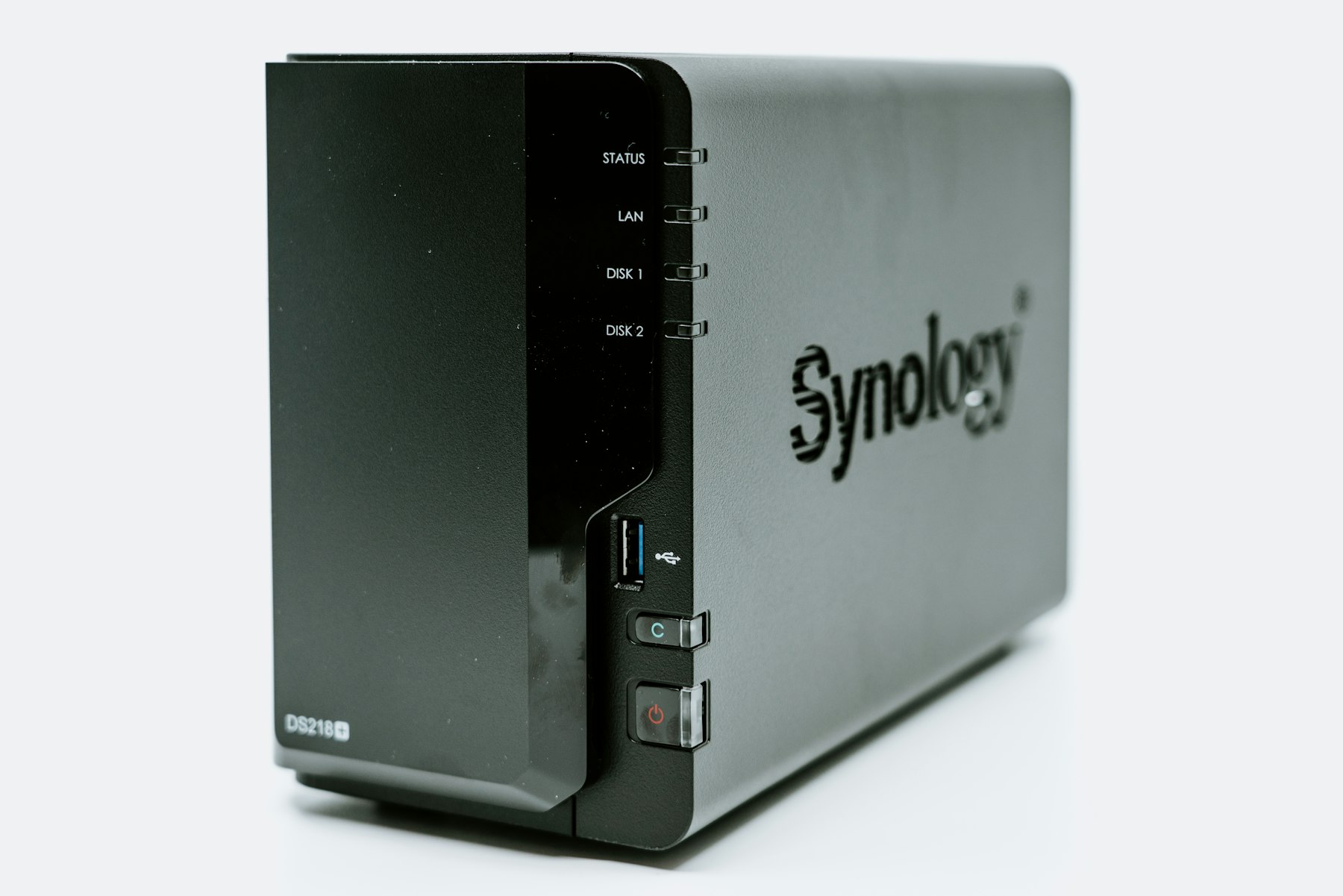
- One-off projects, such as a single custom PC build or NAS storage setup
Where it struggles:
- Costs are unpredictable, because you only pay when something has already gone wrong
- Updates, backups, and security patches tend to slip, because nobody owns them
- Each technician starts from scratch, without documentation of how your network is built
- The provider earns more when things break, which isn’t the incentive you want
What Is Managed IT?
With managed IT services, a provider takes ongoing responsibility for your technology. That typically includes monitoring devices and servers, applying updates, checking that backups actually run, managing user accounts, and giving your team a helpdesk to call when something feels off. You pay a recurring fee instead of per incident.
The real difference is not the billing model; it’s who is paying attention. A managed provider is expected to notice the failing hard drive, the expired certificate, or the missed backup before your staff does.
What managed IT usually covers
- Proactive monitoring and maintenance of workstations, servers, and network equipment
- Patching and software updates on a regular schedule
- Backup oversight and recovery planning
- Helpdesk support for everyday user issues
- Onboarding and offboarding employees (accounts, devices, access)
- Documentation of your systems, passwords policy, and vendors
- Planning for upgrades, so replacements are budgeted instead of emergencies
Break-Fix vs. Managed IT: Side-by-Side
| Break-Fix | Managed IT | |
|---|---|---|
| When you pay | After something breaks | Recurring, predictable fee |
| Approach | Reactive | Proactive |
| Monitoring | None between calls | Ongoing |
| Knowledge of your setup | Rebuilt each visit | Documented and retained |
| Security updates and backups | Often overlooked | Part of the routine |
| Best for | Tiny, simple, low-risk setups | Businesses that can’t afford downtime |
The Hidden Cost of “Only When It Breaks”
Break-fix often looks cheaper on paper because months can go by without a bill. The costs it hides are harder to see:
- Lost staff time. When a shared drive or the internet goes down, everyone waits, and payroll keeps running.
- Emergency pricing. Urgent, same-day calls are usually billed at a premium.
- Compounding problems. Skipped updates and unchecked backups don’t cause an outage today. They cause a much bigger one later, often a security incident or a backup that turns out to be empty.
- Owner time. In many small offices, the owner or office manager becomes the unofficial IT person. That’s time not spent on clients.
If you want to see what a predictable model typically costs, our Los Angeles managed IT pricing guide walks through the common pricing structures.
How to Decide: Five Questions to Ask Yourself
- What does one day of downtime cost us? Think about missed appointments, delayed invoices, and idle staff. If the answer is significant, proactive support usually pays for itself.
- Do we handle sensitive data? Client records, financial information, or health data raise the stakes on patching and backups.
- Who checks our backups today? If the honest answer is “nobody” or “I’m not sure,” that’s a gap.
- How often do we add or remove employees? Frequent onboarding and offboarding is easier, and safer, with someone managing accounts and access.
- Is our setup getting more complex? On-site servers, NAS storage, multiple locations, or a growing network all benefit from consistent management.
If you answered “yes” or “not sure” to two or more, managed IT is likely the better fit.
A Middle Ground Is Possible
It doesn’t have to be all-or-nothing. Many small businesses start with managed support for their core systems (workstations, email, network, backups) and handle specialized work as separate projects, such as a custom server, SAN, or penetration test, or broader IT services like network infrastructure. What matters is that someone is clearly responsible for the day-to-day health of your technology.
Local Support for Pasadena, Los Angeles, and Orange County
WinC Services is based in Pasadena at 1308 E Colorado Blvd and supports businesses across Los Angeles and Orange County. Our approach is summed up in our tagline, “We Make IT Human”: clear explanations, no jargon, and support that fits how your business actually works.
If you’re weighing break-fix against managed IT, or you’re unhappy with your current setup (here are 10 signs your IT provider is failing you), we’re happy to talk it through. Book a consultation, call us at (213) 855-3506, or email [email protected].
Frequently Asked Questions
Is managed IT more expensive than break-fix?
Month to month, managed IT usually costs more in a quiet month and less in a bad one. Over a full year, many businesses find it comparable or cheaper once downtime, emergency calls, and avoided incidents are counted, and the cost is far more predictable.
Can a very small business with only a few employees use managed IT?
Yes. Managed IT isn’t only for large companies. Small teams often benefit most, because they rarely have anyone on staff whose job is to watch backups, updates, and security.
Can I still call for one-off projects if I have managed IT?
Yes. Projects like custom PC builds, server or NAS installations, and penetration testing are typically scoped separately from day-to-day managed support.
How do I switch from break-fix to managed IT?
Start with an assessment of your current devices, accounts, network, and backups. A good provider documents what you have, fixes urgent gaps first, and then moves you onto regular maintenance and monitoring.
Does WinC Services offer both models?
WinC Services provides managed IT, IT support and helpdesk, and project-based services. The best way to find the right mix is a short conversation about your business, which you can schedule on our booking page.